Best Free Fixed Asset Software for 2026

In January, a controller at a 40-person distribution company picks a free tool for the asset register because the software budget is zero. Setup takes an afternoon. By March the auditor asks for a roll forward by category, and the tool can only list assets. By April the register has outgrown the free limit, and the accumulated depreciation figures cannot leave the tool in a usable format. The tool did not break. Nobody had asked what the free version leaves out.
This guide compares free fixed asset software by type, so you can see those gaps before you load a single asset. It is written for SME controllers and bookkeepers who manage roughly 20 to 150 assets and need book depreciation, journal entries, and reports that survive year-end. Features and limits change, so confirm current terms on each vendor's pricing page before you decide.
What "free" means in fixed asset software
The word covers four different arrangements, and they carry different risks.
- Free forever with a cap. A permanent free plan with limits on assets, methods, or users.
- Free trial. Full features for 14 or 30 days, then payment. This is a sales process, not a free tool.
- Free because you build it. A spreadsheet template costs nothing to download, but every formula and control is yours to maintain.
- Free because you host it. Open-source software has no license fee, but someone has to install, secure, and back it up.
Only the first and third options let you run a real register for a full audit cycle without paying. Treat trials as demos, and judge the rest on what the free version actually delivers.
Six checks before you commit to free fixed asset software
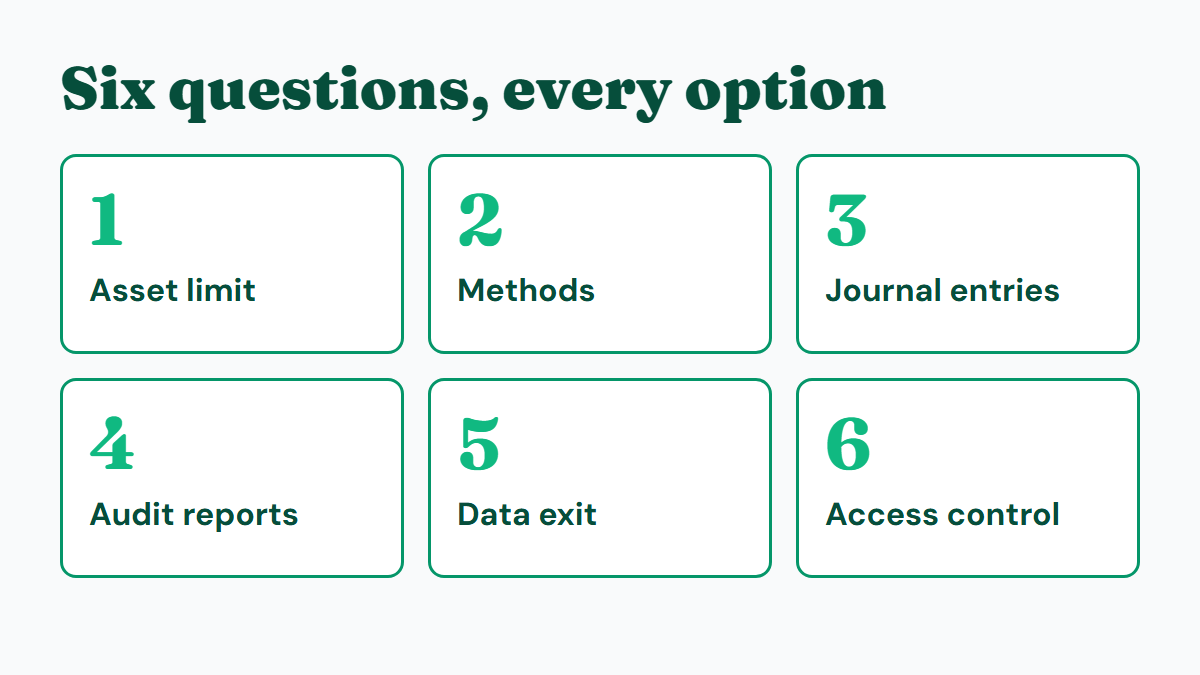
Run every candidate through the same six questions. They map to the failures that show up at month-end and at audit.
- Asset limit. Count your assets today, then add the next two years of purchases. A cap of 25 assets suits a sole trader and nobody else.
- Depreciation methods. Straight-line covers the majority of book depreciation for small companies. If your policy uses declining balance for any category, confirm that the free version supports it.
- Journal entries. Does the tool produce the debit and credit lines, or only a depreciation number you must turn into a journal yourself? The guide to fixed asset journal entries shows what the output should look like.
- Audit reports. Auditors ask for an asset register, a depreciation schedule, and a roll forward. A tool that cannot produce all three pushes that work back into Excel.
- Data exit. Can you export every asset with cost, accumulated depreciation, and dates? This is the check most buyers skip.
- Access control. If a second person will touch the register, look for roles, an activity log, and a change history.
A practitioner habit worth copying: do the exit test on day one. Import ten assets, export them, and check that accumulated depreciation survives the round trip. A controller who finds out in year three that the data cannot leave is already locked in.
The main free options, category by category
Spreadsheet templates: free, but you are the software
A spreadsheet needs no approval and no learning curve. For 15 to 30 straight-line assets it works well, and the free fixed asset register template covers that case in detail.
The cost appears later. Formulas shift when someone inserts a row, journal entries are typed by hand, and nothing records who changed a cost last month. The signs that you have crossed that line are laid out in 5 signs you've outgrown Excel.
Accounting package built-ins
Xero, QuickBooks, and similar packages include some form of asset register, and the register posts straight to the ledger, which removes a reconciliation step. The trade-off is depth. These modules are built for simple cases, so expect a short list of methods, thin reporting, and little support for improvements or partial disposals. Availability also depends on your plan, so check which tier unlocks the asset feature.
If your register is small and straight-line, this is often the cheapest path because you already pay for the package.
Free tiers of dedicated software
Dedicated tools treat the register as the main product, so you get asset numbering, depreciation batches, lifecycle events, and reports. The free tier is the vendor's sample: it works properly but stops at a limit, usually on asset count or on depreciation methods.
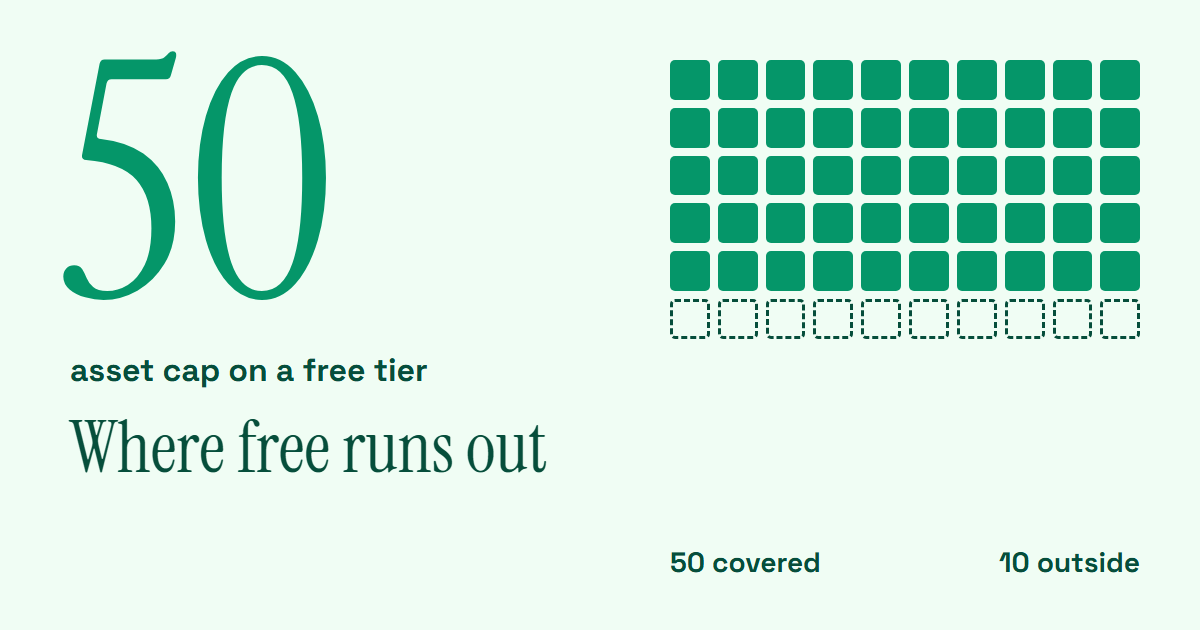
(Minty Assets, which publishes this guide, has a free tier of this kind: up to 50 assets, one company, straight-line or no depreciation, all eight reports, and CSV import and export. Judge it against the same six checks.)
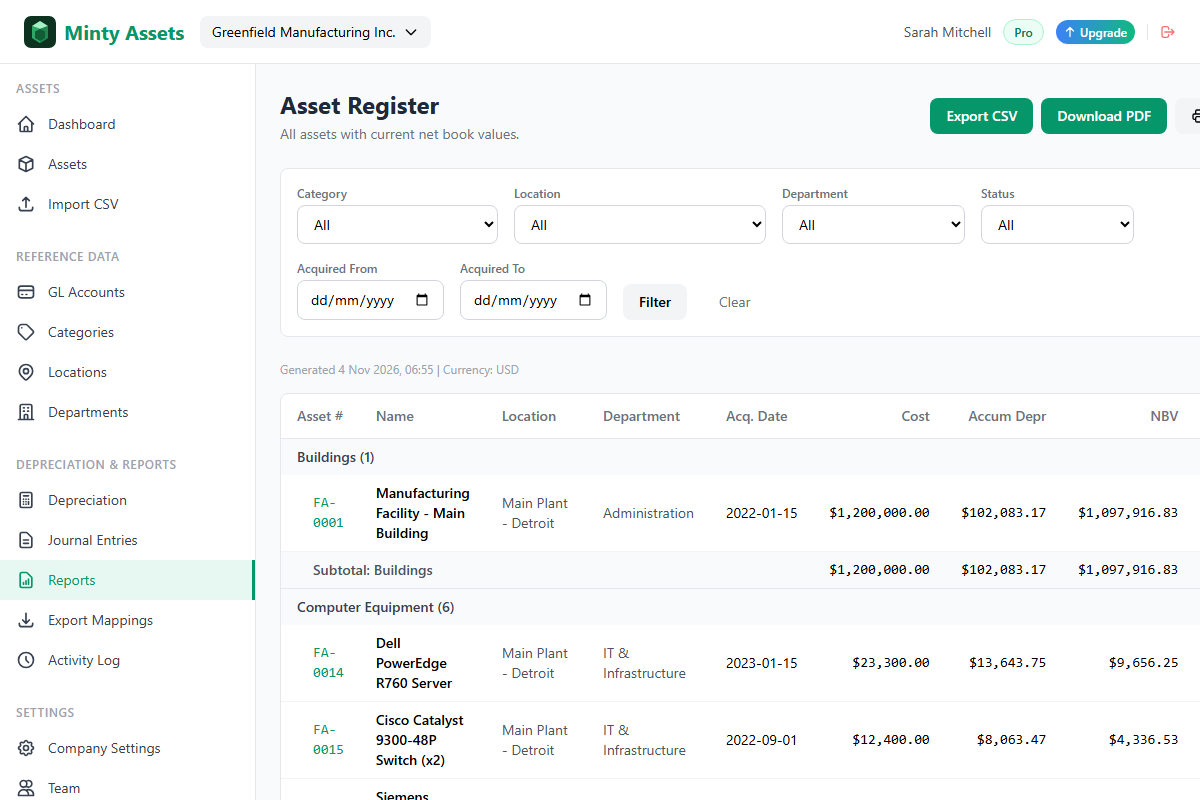
The strength of this category is the audit trail and reporting from day one. The weakness is the ceiling, so know exactly where it sits.
Open-source and self-hosted tools
Open-source asset tools remove the license fee and the asset cap. Most of them were built for IT inventory, however, so depreciation, journals, and roll forwards are thin or missing. You also own the hosting, security patches, and backups. For a finance team without IT support, that is rarely a saving.
Free fixed asset software compared
| Option | Asset limit | Depreciation methods | Journal entries | Audit reports | Data exit |
|---|---|---|---|---|---|
| Spreadsheet template | None | Whatever you build | Typed by hand | Built by hand | Easy, it is a file |
| Accounting built-in | Plan dependent | Short list | Posts to ledger | Limited | Varies |
| Dedicated free tier | Capped | Often limited | Usually generated | Included | CSV export |
| Open source or self-hosted | None | Varies | Rare | Rare | Full database access |
No row wins every column. The right pick depends on which gap you can tolerate.
A worked example: a 60-asset register
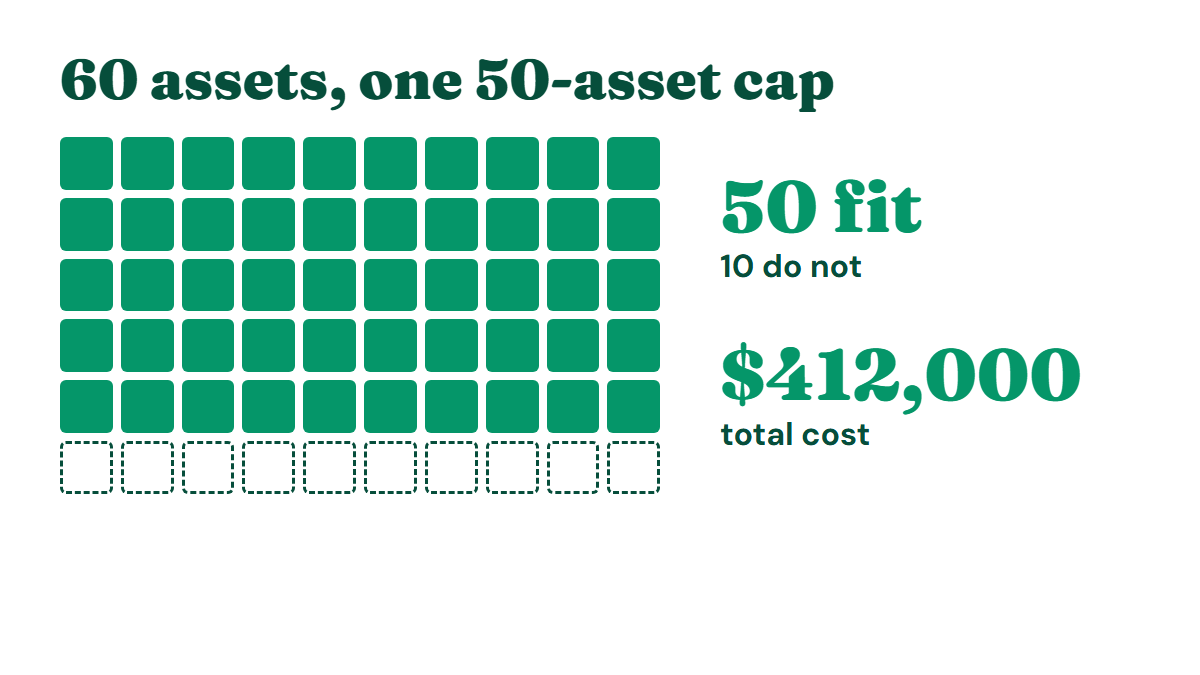
A services company has 60 capitalized items: 28 laptops and monitors, 20 furniture items, 9 pieces of equipment, and 3 vehicles. Total cost is $412,000, all on straight-line depreciation. A $2,400 laptop with a 36-month life and no residual value depreciates at $66.67 per month. Across all 60 assets the monthly charge is $6,890.00, which becomes one journal: debit depreciation expense $6,890.00, credit accumulated depreciation $6,890.00.
Here is how each option holds up.
- Spreadsheet: it calculates the $6,890.00 correctly until a row is inserted wrongly. The journal and the roll forward are manual every month.
- Accounting built-in: it posts the journal directly, but a roll forward by category needs a separate workbook.
- Dedicated free tier capped at 50 assets: it produces the journal and the reports, but 10 assets do not fit.
- Self-hosted tool: it holds all 60 assets, but you build the depreciation and journal logic.
The cap is the interesting problem. Twelve of the 60 items cost under $1,000, and the company's capitalization policy sets the threshold at $500. Reviewing whether those items belong in the register is a legitimate exercise, because small items that were capitalized by habit are common. Raising the threshold just to fit a software limit is not. Capitalization policy belongs to the accounting policy and the auditor, and the tool should follow it. The guide to capital improvement versus repair covers how to set that line.
When free stops being enough
Free is the right answer until one of four triggers appears:
- The register passes the asset cap, or will within a year.
- A category needs declining balance or sum-of-years' digits and the free plan blocks it.
- The auditor requests reports the tool cannot produce.
- More than one person edits the register and you cannot see who changed what.
When a trigger hits, the cost of moving depends on the exit test from earlier. A tool that exports cost, accumulated depreciation, and dates lets you migrate with a CSV import in an afternoon. The small business guide to fixed asset management software covers what to look for in a paid tool.
How to choose
- Under 25 assets, straight-line, no auditor: a spreadsheet or your accounting package built-in is enough.
- 25 to 50 assets, or any audit requirement: a dedicated free tier gives you journals and reports without paying.
- Over 50 assets or accelerated methods: budget for a paid plan now, and use the free tier to prove the workflow first.
- Strong IT support in-house: open source is viable, but expect to build the accounting layer.
Pick the option whose limit you can see clearly, then test it with ten real assets before you migrate the rest.
Frequently Asked Questions
Is there free fixed asset software that creates journal entries and audit reports?
Dedicated free tiers can generate depreciation journals and reports such as the asset register, depreciation schedule, and roll forward. Spreadsheets and self-hosted tools leave journals and reports for you to build.
How many assets do free fixed asset software plans allow?
It depends on the type. Spreadsheets and self-hosted tools have no asset cap, accounting built-ins depend on your plan, and dedicated free tiers set a cap. Minty Assets allows up to 50 assets on its free plan.
What should I check before choosing free fixed asset software?
Check six things: the asset limit, supported depreciation methods, journal entry output, audit reports, data export, and access control. Test the export with ten real assets before migrating the full register.
Can I switch from free fixed asset software later without losing depreciation history?
Yes, if the tool exports each asset's cost, accumulated depreciation, and dates. Run an import-and-export test on day one, because a tool that cannot export that data creates lock-in.
Should I raise my capitalization threshold to fit a free asset cap?
No. The capitalization threshold belongs to your accounting policy and your auditor. Review sub-threshold items only if your existing policy already says they should not be capitalized.
Ready to automate your asset register?
Minty Assets handles depreciation, journal entries, and audit-ready reports. Free for up to 50 assets, no credit card required.
Start Free