Fixed Asset Software for Accountants

One client sends an asset spreadsheet called "final_v7". Another keeps vehicle details in an email chain. A third has a register that ties to the prior-year audit file but has not been updated since. None of these are unusual on their own. Together, they create a predictable problem for an accounting firm: every client needs a reliable answer at close, but every register works differently.
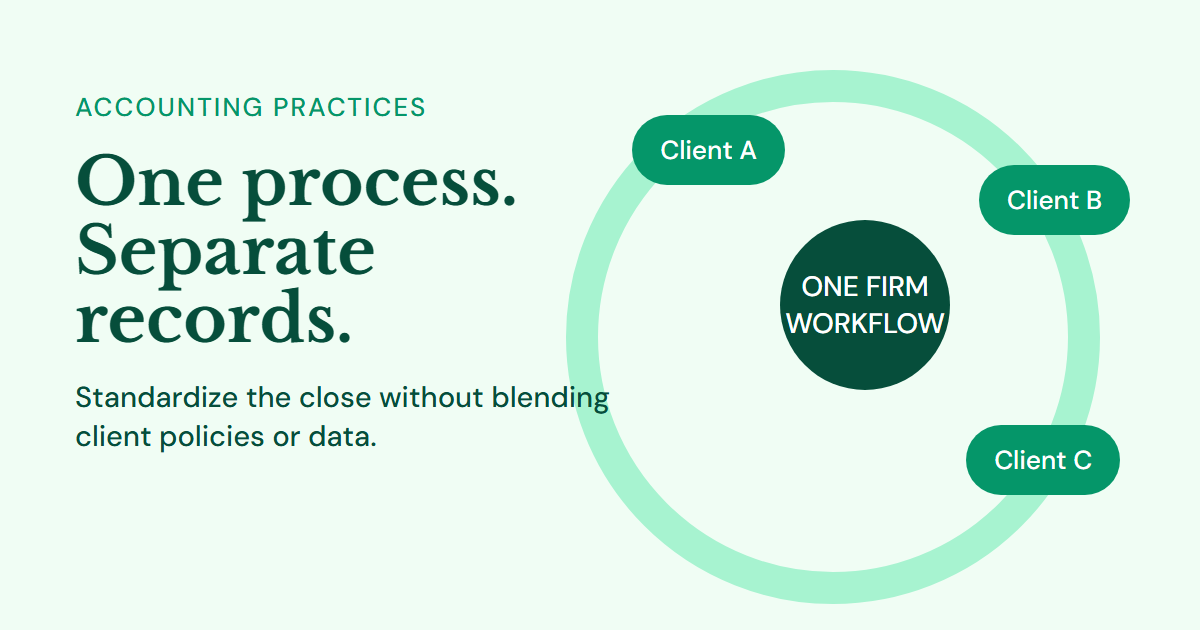
Managing multiple client asset registers is less about doing more depreciation calculations. Fixed asset software for accountants should support a repeatable operating model that preserves each client's records while giving the firm a consistent way to review, post, and explain them. This structure reduces onboarding time without forcing every client into identical accounting policies.
Why separate client spreadsheets fail at scale
Separate spreadsheets fail because they make the process depend on memory. The reviewer must remember where each client stores useful lives, whether depreciation starts in the acquisition month, which GL accounts to use, and whether last month's file is actually the latest version. As the client count grows, these small differences become missed postings, inconsistent journals, and difficult review notes.
The problem is not that each client has different facts. Each company should retain its own chart of accounts, asset categories, policies, user access, and source documents. The problem is that the firm lacks a common process around those facts.
An accountant needs to answer the same questions for every client: what was added, what changed, what was disposed, what depreciation should be posted, and does the closing balance reconcile? A standard workflow makes those questions visible each month without combining client data or erasing client-specific decisions.
Set a client-register standard
A client-register standard is a short list of required records and controls that applies across the firm. It does not prescribe one useful life for every computer or one capitalization threshold for every business. It defines the minimum information needed to administer each client's policy correctly.
| Standard area | Firm-wide requirement | Client-specific decision |
|---|---|---|
| Identity | Asset number and description | Number prefix or tag format |
| Accounting data | Cost, dates, accumulated depreciation | Useful life, residual value, method |
| Classification | Category and status | Category names and GL mappings |
| Operations | Location or custodian where relevant | Who owns verification |
| Evidence | Source reference and change reason | Document retention location |
| Review | Monthly reconciliation and approval | Reviewer and timing |
Create a short onboarding checklist around this standard. Confirm the legal entity, reporting currency, fiscal year-end, depreciation convention, and accounting framework before importing data. Under the firm's own control policy, record who is authorized to approve additions, disposals, estimate changes, and final journals. This avoids a common error: treating an instruction from an operational contact as authorization to change an accounting estimate.
Use a separate register for every legal entity. A multi-company client group can be managed from one firm user account, while the assets, journals, and reports remain isolated by company. Consolidation belongs in the client's financial reporting process, not inside a mixed asset list that makes ownership unclear.
Clean the opening data before taking responsibility
Do not start by importing every row exactly as received. First, reconcile total acquisition cost and accumulated depreciation to the most recent closed trial balance or audited schedule. Then identify exceptions: missing acquisition dates, assets with accumulated depreciation greater than depreciable cost, duplicate descriptions, items already disposed, and records with no category or useful life.
The opening reconciliation establishes the handoff point. If the client provides computer equipment cost of $85,000 and accumulated depreciation of $51,000, the opening register should show net book value of $34,000 before current-period activity. If it does not, resolve the difference or document it as a client-provided opening adjustment. Otherwise, every later depreciation entry will carry uncertainty forward.
Imported assets that are already partially depreciated need their opening accumulated depreciation preserved. Recreating their historical monthly schedules is unnecessary unless the engagement requires it. What matters is that the opening NBV, remaining useful life, and future depreciation are supportable. See the guide to migrating an asset register from Excel for the data fields that make this work.
Run the same monthly workflow for every client
A standard close cadence removes the need to reinvent the process for each account. The steps below work whether the firm manages three clients or thirty.
Fixed asset software for accountants makes this cadence easier to apply, but the firm still owns the review policy and client communication around each close.
1. Collect additions and changes
Request capital expenditure invoices, disposal details, and change information using the same monthly client checklist. Ask for the in-service date, not only the invoice date. For a significant improvement, ask what was replaced or enhanced and whether it creates additional future benefit. That distinction determines whether the cost is capitalized or expensed.
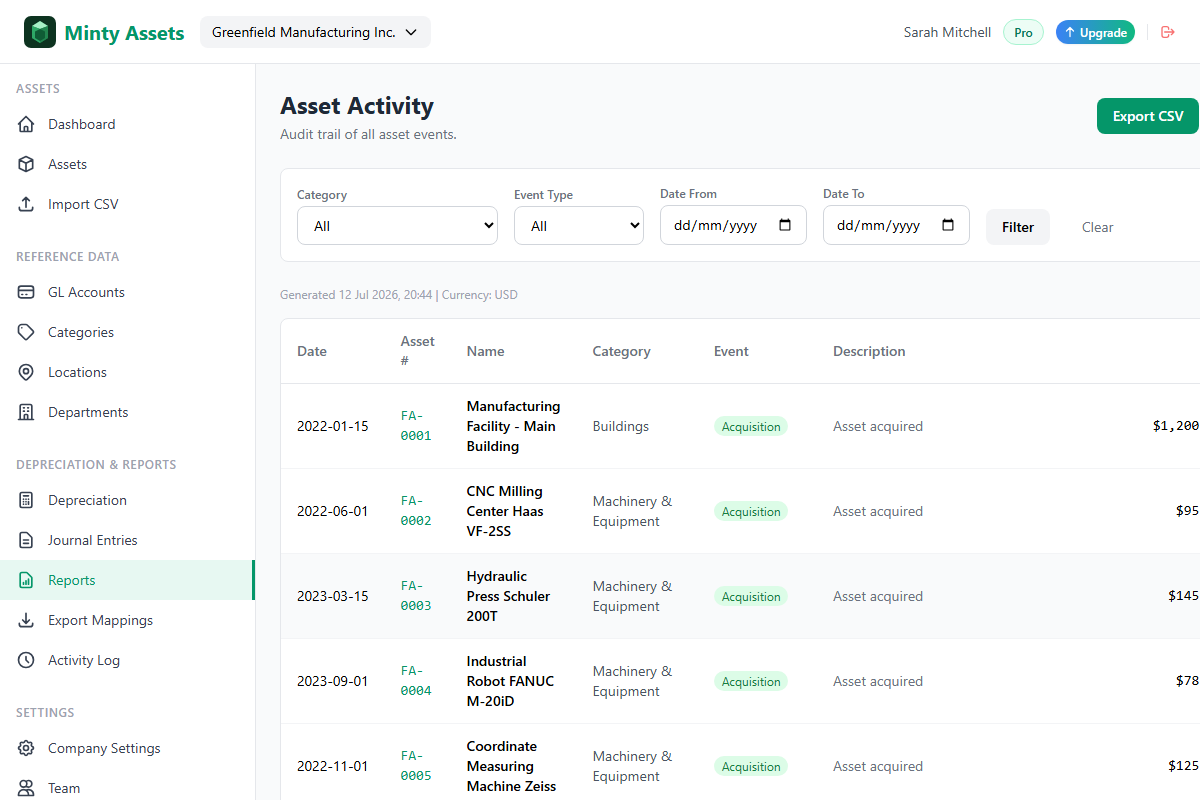
Record transfers, partial disposals, impairments, and estimate changes as separate events. Avoid editing the original asset record without context. An event history lets a reviewer see why an asset's cost, life, or location changed and prevents the team from losing the original accounting evidence.
2. Reconcile before depreciation
Compare new asset records to fixed-asset additions in the GL. Review the prior month's closing NBV against the current opening NBV. Confirm that assets disposed in operations have been processed in the register, because leaving them active is one of the fastest ways to overstate both assets and depreciation.
The reviewer should focus on material movements and exceptions, not read every stable record. A new $42,000 delivery vehicle, a fully depreciated production machine, or a large transfer between locations deserves direct attention. A clearly immaterial item below that client's threshold does not belong in the same review queue.
3. Preview, approve, and post
Generate the current-period depreciation preview, compare it with the prior period and budget where relevant, then approve it under the engagement's review policy. The journal should debit depreciation expense and credit accumulated depreciation using the client's mapped categories. Where the client needs category-level support, use category detail in the journal or retain it in the supporting schedule.
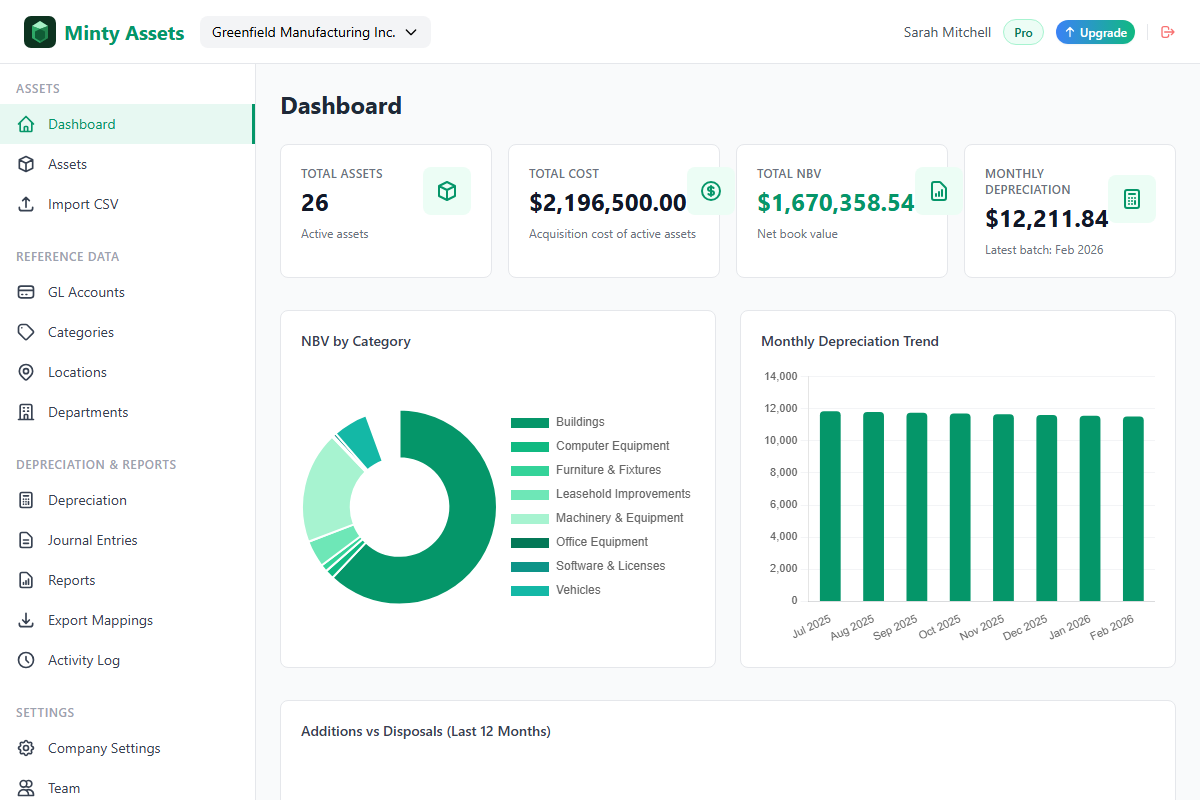
(Minty Assets lets an accounting firm switch between isolated client companies while using each client's categories, GL mappings, depreciation settings, and activity history.)
4. Deliver the close pack
Send the same compact set of outputs every period: the current asset register, depreciation schedule or summary, journal entry export, and a list of additions or disposals requiring client confirmation. At quarter-end or year-end, add the fixed asset roll forward. The consistent package trains clients to provide better information and makes the firm's work visible without creating a separate custom report for every engagement.
Set review controls that scale
Scalable review does not mean less review. It means applying the right depth to the right risks. Build controls around permissions, materiality, evidence, and exception reporting.
Give client users and firm staff roles that match their responsibilities. A client operations manager might add source details or request a disposal. A firm preparer can enter and prepare records. A manager or client approver should authorize significant changes and depreciation posting. View-only access is useful for a CFO or auditor who needs visibility without the ability to alter data.
Create an approval rule for useful-life and residual-value changes as part of the firm's control policy. These changes affect future expense, so the record should identify the effective date, reviewer, and reason. Under IFRS, useful lives, residual values, and depreciation methods are reviewed at least at each financial year-end; changes in estimate are applied prospectively rather than by rewriting prior depreciation. The firm should document the policy and confirm the applicable framework for each client.
Keep a simple exception list. It should flag assets missing a location, assets approaching full depreciation, additions without source documents, and differences between the register and GL. The list creates a focused client conversation. It is far better than discovering at year-end that a disposed vehicle remained in the register for nine months.
Make year-end support routine
Year-end fixed asset work is easier when the monthly record is complete. Auditors will ask how opening balances roll to closing balances, whether additions are supported, whether disposals were removed correctly, and whether depreciation agrees with the income statement. Those are not special year-end calculations. They are the same controls performed over a longer period.
Prepare a roll forward by category and tie its closing net book value to the client's balance sheet. Retain the detail behind additions, disposals, impairments, and any estimate changes. For material additions, keep the invoice, approval, and in-service evidence together. For disposals, retain the sale or write-off support and the gain or loss calculation.
Experienced client-service teams know that an auditor's first request is often a test of organization. A concise, reconciled package delivered promptly establishes confidence. A workbook that requires several days of cleanup can lead to more questions than the underlying balance deserves.
Choose fixed asset software for accountants
Fixed asset software for accountants should support multi-company work without blending client data. Look for individual company settings, separate user access, configurable categories and accounts, imported opening balances, automated calculations, visible event history, and exports that fit the client ledger.
The software should also respect the boundary between standardization and client policy. A firm can standardize its close checklist while each client retains a different fiscal year-end, useful-life range, depreciation method, and chart of accounts. That combination is what creates scale without sacrificing accounting accuracy. It is the practical test for fixed asset software for accountants.
The firm that manages client registers well does not just post a monthly number. It gives each client an organized, explainable asset record and gives its own reviewers a process they can trust. That is a service advantage clients notice when the audit request arrives.
Frequently Asked Questions
Should each client have a separate asset register?
Yes. Each legal entity should have an isolated register with its own assets, categories, policies, GL mappings, journals, and reports.
What should an accounting firm review each month?
Review additions, disposals, changes in estimates, depreciation totals, journal support, and any difference between the register and the general ledger.
How do accountants scale fixed asset work across clients?
Standardize the onboarding checklist, monthly close cadence, review controls, and deliverables while preserving each client’s accounting policy and company data.
Ready to automate your asset register?
Minty Assets handles depreciation, journal entries, and audit-ready reports. Free for up to 50 assets, no credit card required.
Start Free